Skip to content

App Upgrade Task Management


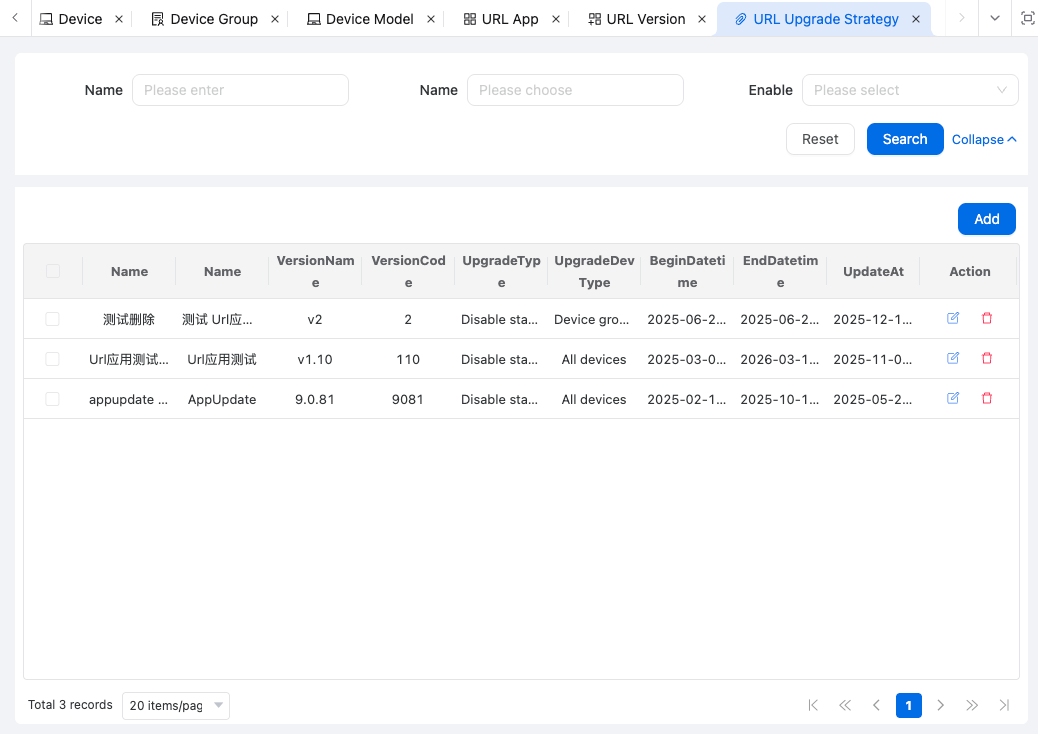
Used to manage application upgrade task information and configure upgrade tasks for related versions. It supports full user upgrades and gray upgrades can be configured based on user device models, etc.


upgrade.png

Upgrade Task Configuration Has Three Modules

1. Basic Information

upgrade1.png
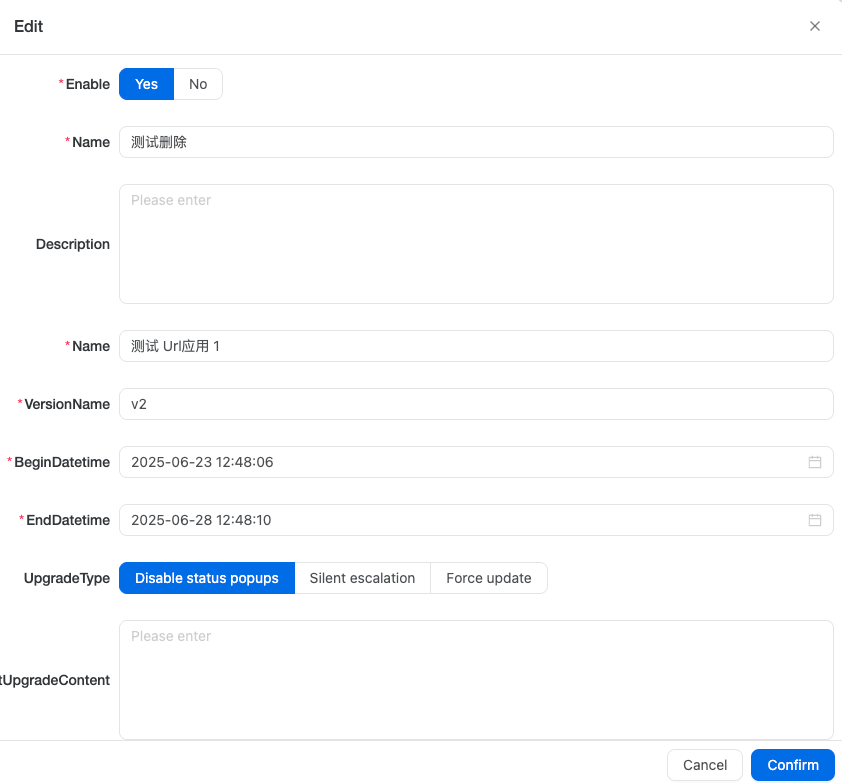
The basic information includes details about the upgrade task, such as application, application version, application version description, task start time and end time, etc.

2. Upgrade Conditions

upgrade2.png
Upgrade conditions support configurations for upgrades by device group or device model.

This enables upgrades for a specific group of devices or only for specified models.


3. Traffic Strategy

upgrade3.png


Gray release strategy supports setting quantities based on time periods.

upgrade31.png

The above configuration represents:

  • During the period 2025-05-01 00:00:00 - 2025-05-02 00:00:00, 10 devices can upgrade and will receive upgrade application information.
  • During the period 2025-05-08 00:00:00 - 2025-05-10 00:00:00, 100 devices can upgrade and will receive upgrade application information.

Traffic control strategy supports setting the number of devices that can upgrade within specified time periods. upgrade32.png

The above configuration represents:

  • During the period 16:00:00 - 17:59:59 of the current day, 15 devices can upgrade per second. If the limit is exceeded, HTTP status code 429 will be returned, indicating that the request frequency limit has been exceeded.
  • During the period 20:00:00 - 21:59:59 of the current day, 2000 devices can upgrade per hour. If the limit is exceeded, HTTP status code 429 will be returned, indicating that the request frequency limit has been exceeded.

toolsetlink@163.com